
Bookings in the inbox
Website, partners and phone all deliver separately. Retyping by hand costs time and causes double bookings.
Cost: a double booking on your busiest day
Limited places: we take on new rental companies by request, with personal guidance.
Request accessRental operations software
Rentarado brings reservations, fleet, dockside handover and revenue together in one live overview. Built with rental operators, used every day at the waterside.
No amounts at the dock
Visible only to roles allowed to see amounts
Illustration · no customer data
Daily reality
Reservations arrive through several channels, the dock works on paper, and the numbers only follow afterwards. Every handover costs time and creates mistakes at exactly the moments you are busiest.
Website, partners and phone all deliver separately. Retyping by hand costs time and causes double bookings.
Cost: a double booking on your busiest day
At the jetty there is a printout from this morning. It does not show the ten o'clock changes, and nobody knows who is out right now.
Cost: phone calls back and forth
Revenue, refunds and channel split get scraped together in the evening from separate files.
Cost: no view during the season
Rentarado closes that chain: one truth for office, dock and management, at the same moment.
The product
Not a set of modules you have to tie together yourself. Rentarado follows the day as it actually runs on the quay.
One day overview: who is out, what is due back, what needs attention. Dock and office look at the same picture, updated live.
Reserve with an availability check on the server, right before the write. Booking numbers are issued centrally, so nothing is ever rented out twice.
Handover and return with large buttons at the jetty, even with wet hands. Status changes are permanent; a correction is a new entry, not a deletion.
Rate cards per season, time slot and boat type, with exceptions for busy days. Publish only when the next generation is ready.
Revenue per period and per channel, refunds as a ledger, and VAT that adds up. Only for roles allowed to see amounts.
Bookings from your own website and from partners arrive automatically, recognised and without duplicates. Desk rentals fit right in between.
Every meaningful change gets a line: who did it, when, on which booking and at which location, with the old and the new value. Statuses are added, never overwritten.
Several jetties or branches under one company. Each location has its own fleet and day view, and permissions apply per location: whoever works at one jetty does not see the other.
A direct link with your own website: the booking arrives the moment your guest places it, with availability and rates straight from Rentarado. No retyping and no second calendar.
Deposits and balances through a payment provider, with the payment landing back on the booking. Refunds run through the same ledger as the rest of your revenue.
Revenue, VAT and refunds go into your bookkeeping the way your administration wants them, per period or per channel. No monthly export round.
Start to finish
Five moments, one trail. Every step leaves behind what the next one needs, so nobody has to retype anything or chase a phone call.
Illustration · no customer data
The booking arrives from your website, from a partner or at the desk. Availability is checked on the server, and the booking number is issued there.
From boat type to a specific boat, per time slot. If anything changes, availability is re-checked before you save.
At the jetty, on a tablet: guest present, briefing given, boat away. The status moves to on the water and the day view changes with it.
Back on time or overdue, with or without damage. Deposit and remarks are recorded as events, with history.
Revenue per channel, refunds as a ledger, VAT that adds up. Only the roles allowed to see amounts see them.

Every single day: handover, return, and a day view that still adds up.
Where we are strongest
Rentarado grew up at the waterside, with operators who deal with departure times, boat types and weather every single day. That is not an extra field in the system, it is the core of it.
Bikes, canoes and SUPs, campers, equipment: the same core of stock, time slots, handover and return. Renting out something else? We will look at the fit in the intro call.
Four boat types side view, to scale
Built with operators
Rentarado was not dreamed up at a drawing board. It was built with people who rent out boats themselves and who know what a busy Saturday does to your planning. Operators like De Landije in Giethoorn thought along, sailed along and said it plainly when something did not work. That is why it fits the way a rental day actually runs, instead of the way it looks on paper.
April to October, peak in July and August
De Landije in numbers
each with its own capacity, rate and colour
individual boats, each planned separately
five websites plus manual entry
NL, EN and DE ready to use
without amounts, shielded server-side
a correction is a new entry, never an overwrite
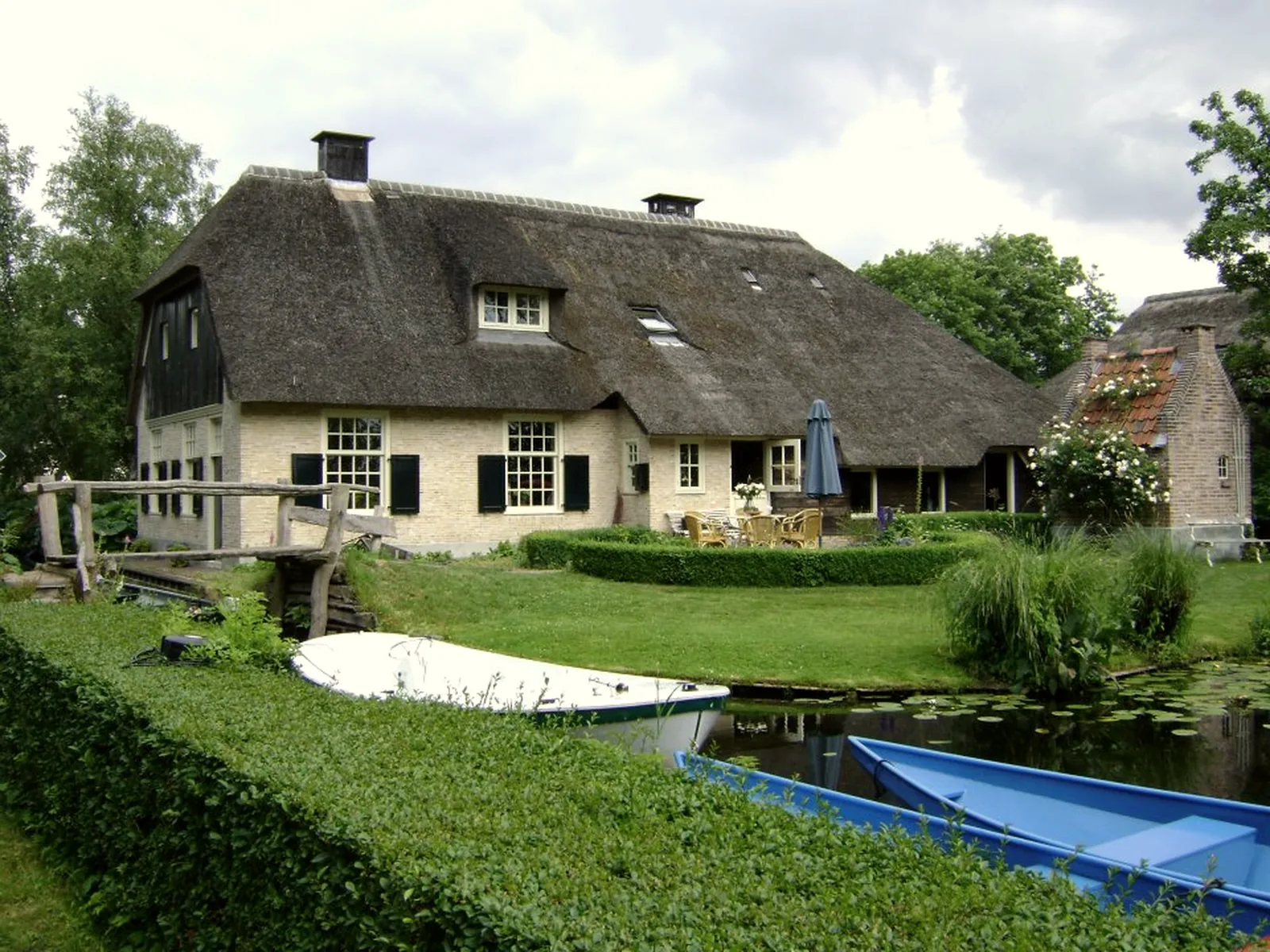
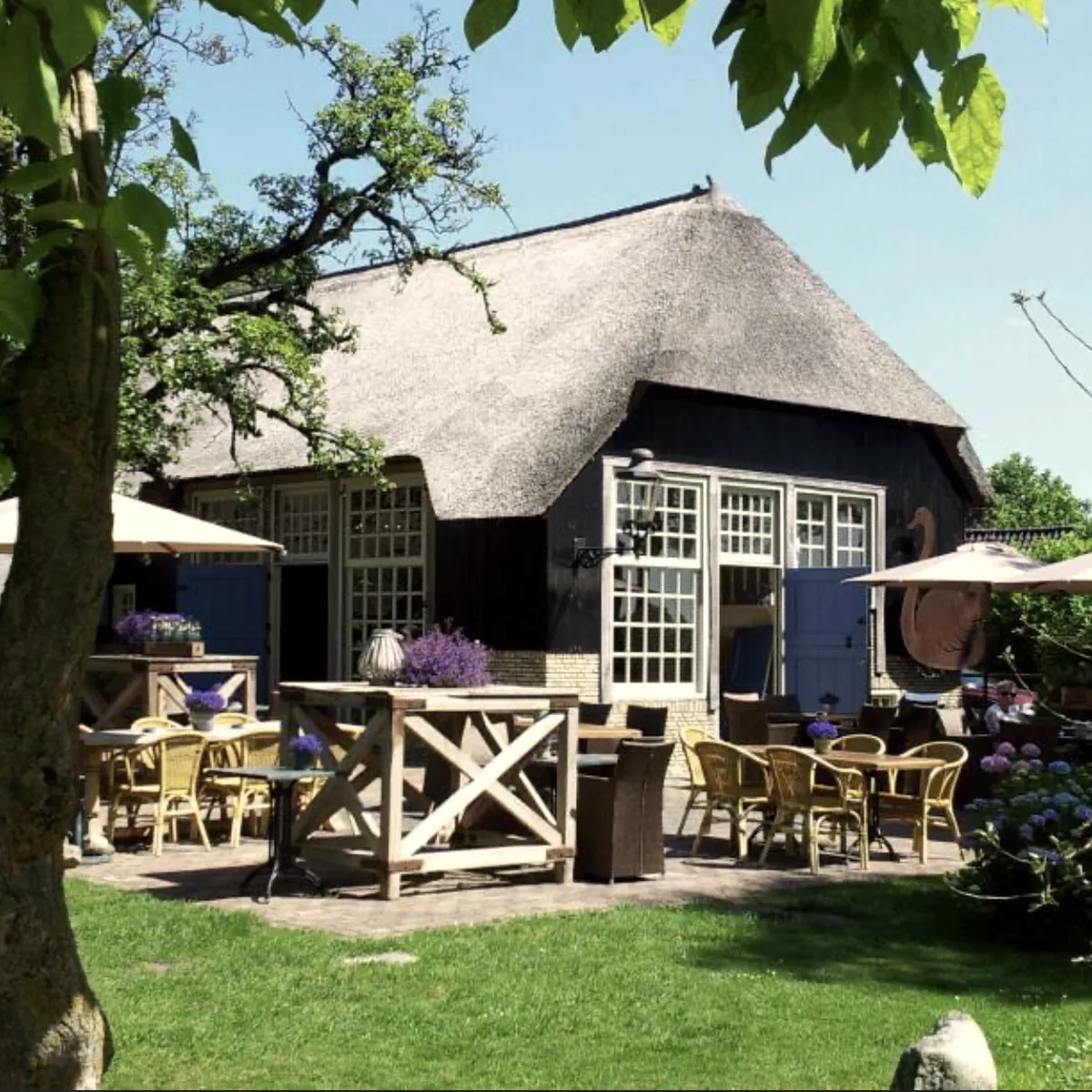
What changed
From practice
“Thanks to Rentarado we now have complete overview and control of our bookings at De Landije. We save a lot of time every day, and our customers are enthusiastic about how quickly and smoothly everything goes.”
Ico de JongeDe Landije, Giethoorn
What is open there every day
Roles & security
Permissions live in the core of the system, not in the buttons of the interface. Anyone not allowed to see amounts does not receive them in the data behind the screen either.
Dock staff and viewers never see an amount, not even in the underlying data. That is enforced on the server, not with a hidden field.
Every rental company is its own separated environment. That separation is enforced on the server again on every single request.
Statuses and changes are added, never overwritten. If a day is ever in doubt, you can read back what happened and who did it.
| What each role sees | Office | Dock | Management |
|---|---|---|---|
| Day view and bookings | sees this | sees this | sees this |
| Customer details | sees this | does not see this | sees this |
| Amounts and revenue | sees this | does not see this | sees this |
| Handover and return | sees this | sees this | does not see this |
Why by request
We build this from inside our own rental business. We set up every new customer ourselves and sail along for the first days. That works with a few companies at a time, not a hundred. Hence the list.
Sander KramerRentarado

We start with your fleet, your rates and your busiest Saturday.
Onboarding
We will not hand you a login and a manual and leave you to it. Your fleet, your rates and your way of working are set up before you go live.
Half an hour about your rental day: fleet, channels, peak moments and what goes wrong today. After that we both know whether it fits.
We prepare your boat types, boats, time slots and rates, and connect your booking channels. You check the result before anyone works in it.
We walk through your first rental days with you, at the jetty as well. After that, short lines: you talk to the people who built it.
Request access
Rentarado is not a self-service account you create in five minutes. Because every start gets personal guidance, we bring a limited number of rental companies on board at a time.
Questions
The price depends on your fleet and the number of locations, and we agree it in the intro call. No entry rate that quietly doubles later, and no per-booking fee.
Because we set up every start ourselves and walk it through with you. That is only possible with a limited number of companies at a time. Your request goes on the list and we contact you personally as soon as there is room.
Yes. The dockside mode is built for tablets: large buttons, short actions and only the information needed at the water. Amounts are deliberately kept out of it.
There is no limit on languages: every piece of text runs through a translation layer, so adding one is a matter of translating, not building. Dutch, English and German are ready to use and set per user. Boat type names and rate labels are filled in per language too, so a German guest sees German.
On servers inside the European Union, with daily backups. Your company has its own separated environment, and that separation is enforced on the server on every request.
Yes. Boat types, capacity, time slots, seasons and exceptions are configured to match your own practice. We prepare it for you at the start.
Usually yes. In the intro call we look at what you use today and what needs to come across. Open bookings are part of the setup.
Often yes: the core is stock, time slots, handover and return. Boat rental is where Rentarado goes deepest. Tell us what you rent out and we will say honestly whether it fits.
Request access and tell us briefly what you rent out. You will hear from us personally whether there is room right now.